Google Analytics for Himachal Businesses: The 2026 Beginner’s Guide to Tracking & Growing Your Online Presence
A hotel owner in Manali looks at her booking numbers and wonders: Where are these guests coming from? Which page on my website convinces them to book? Did my recent Instagram campaign actually send any traffic? Without data, she’s running her business on intuition alone – but intuition can’t scale, and it can’t tell you why last month’s bookings suddenly dropped.
Google Analytics is the free, powerful tool that answers all these questions. It shows you exactly who visits your site, how they found you, what they look at, and whether they convert into a booking, an enquiry, or a sale. For Himachal’s tourism businesses – where every booking counts and seasons swing dramatically – this data isn’t just nice to have; it’s the difference between thriving and merely surviving.
This beginner’s guide is built specifically for hotels, homestays, cafés, tour operators, and local shops in Himachal. No jargon, just clear steps to set up Google Analytics, understand the numbers that matter, and use those insights to grow your business.
📊 What Google Analytics Can Tell You – and Why It’s a Game Changer for Himachal Tourism
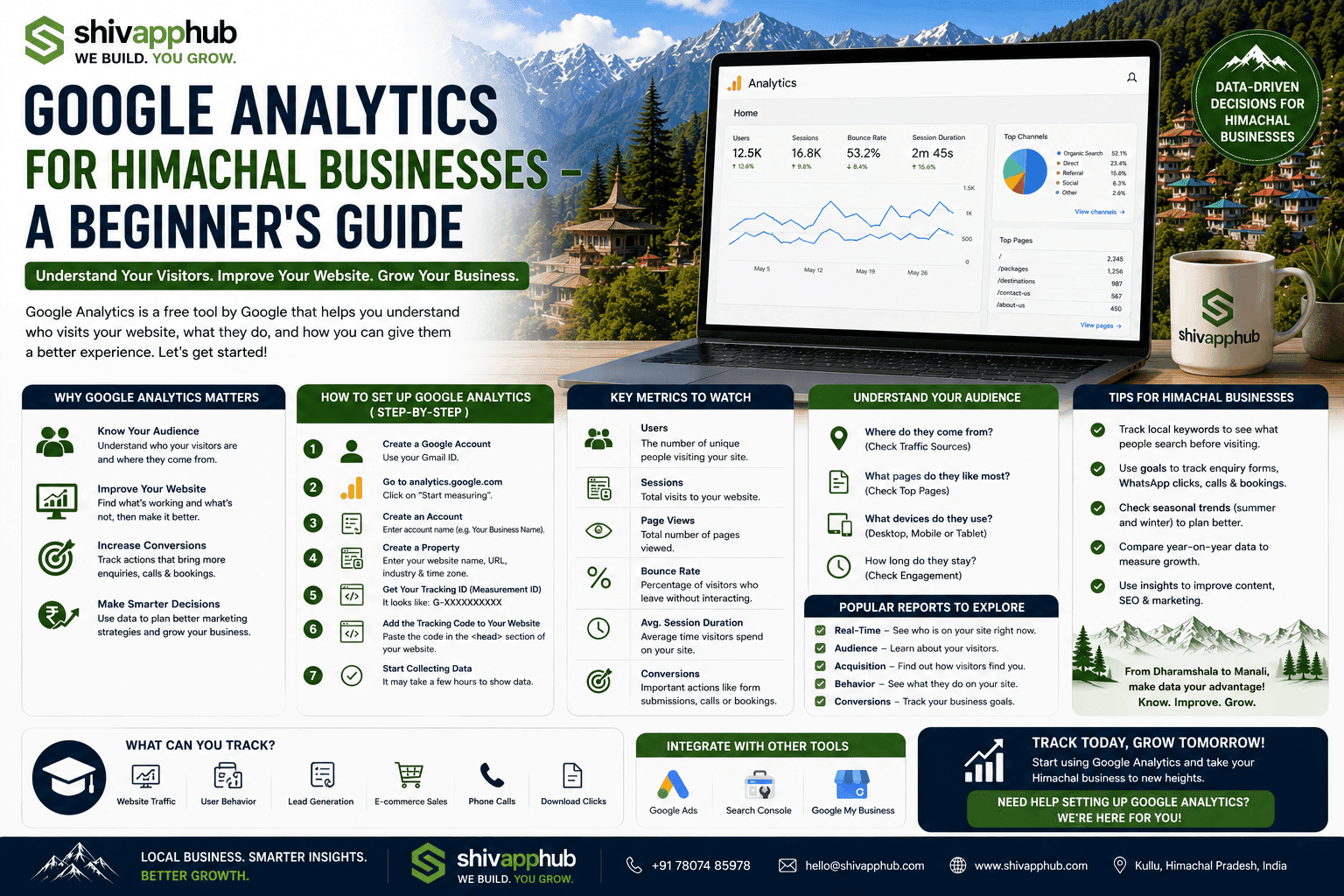
Google Analytics (now GA4) tracks every visitor interaction on your website and presents it in reports. For a Himachal business, here’s what you can discover:
For a small business, this replaces expensive market research with real, live data from your own customers.
🛠️ Step‑by‑Step: How to Set Up Google Analytics for Your Himachal Website
Setting up GA4 correctly from the start is critical. Here’s the exact sequence we use for every client.
1. Create a Google Analytics Account and Property
If you don’t have one, go to analytics.google.com, sign in with a Google account (create a dedicated business account if possible), and click “Start measuring”. Create an account name (your business name), then a property name (your website name). Select your reporting timezone (India Standard Time) and currency (INR). For business objectives, pick “Generate leads” or “Drive online sales” as appropriate.
2. Add the Tracking Code to Your Website
In your GA4 property, go to Admin > Data Streams > Add stream > Web. Enter your website URL and stream name. You’ll get a Measurement ID (like `G-XXXXXXXX`).
Now, install the tracking code. If your site is on WordPress, use a plugin like “Site Kit by Google” or “GA Google Analytics” and paste the Measurement ID. If your site is custom‑built, paste the global site tag (gtag.js) code into the `<head>` section of every page. If you use Google Tag Manager, you can deploy GA4 through a tag. At ShivAppHub, we handle this during development, ensuring every page and subdomain is tracked.
3. Set Up Key Events (Goals/Conversions)
This is the most important step for any business. Without conversions, you have traffic numbers but no business insights.
In GA4, an event marks a specific user action. The most critical ones to track:
Once you set up these events in GA4, mark them as “conversions” so they appear in your conversion reports. Now you can see exactly which traffic source brought the booking.
4. Link Google Search Console and Google Ads
In the Admin panel, link your GA4 property to Google Search Console. This imports search query data, showing you exactly which keywords are driving traffic and clicks. It’s gold for SEO. Link Google Ads to see which campaigns are profitable and which are wasting money.
5. Filter Out Your Own Traffic
You and your staff visiting the site will skew the numbers. In Admin > Data Streams > Configure Tag Settings > Define Internal Traffic, add your office IP address. This ensures your own browsing doesn’t inflate metrics.
6. Give Access to Your Team (and Your Agency)
In Admin > Account Access Management or Property Access Management, add users and assign roles (Viewer, Analyst, Editor). Share access with your marketing person or ShivAppHub so we can monitor performance and send you reports.
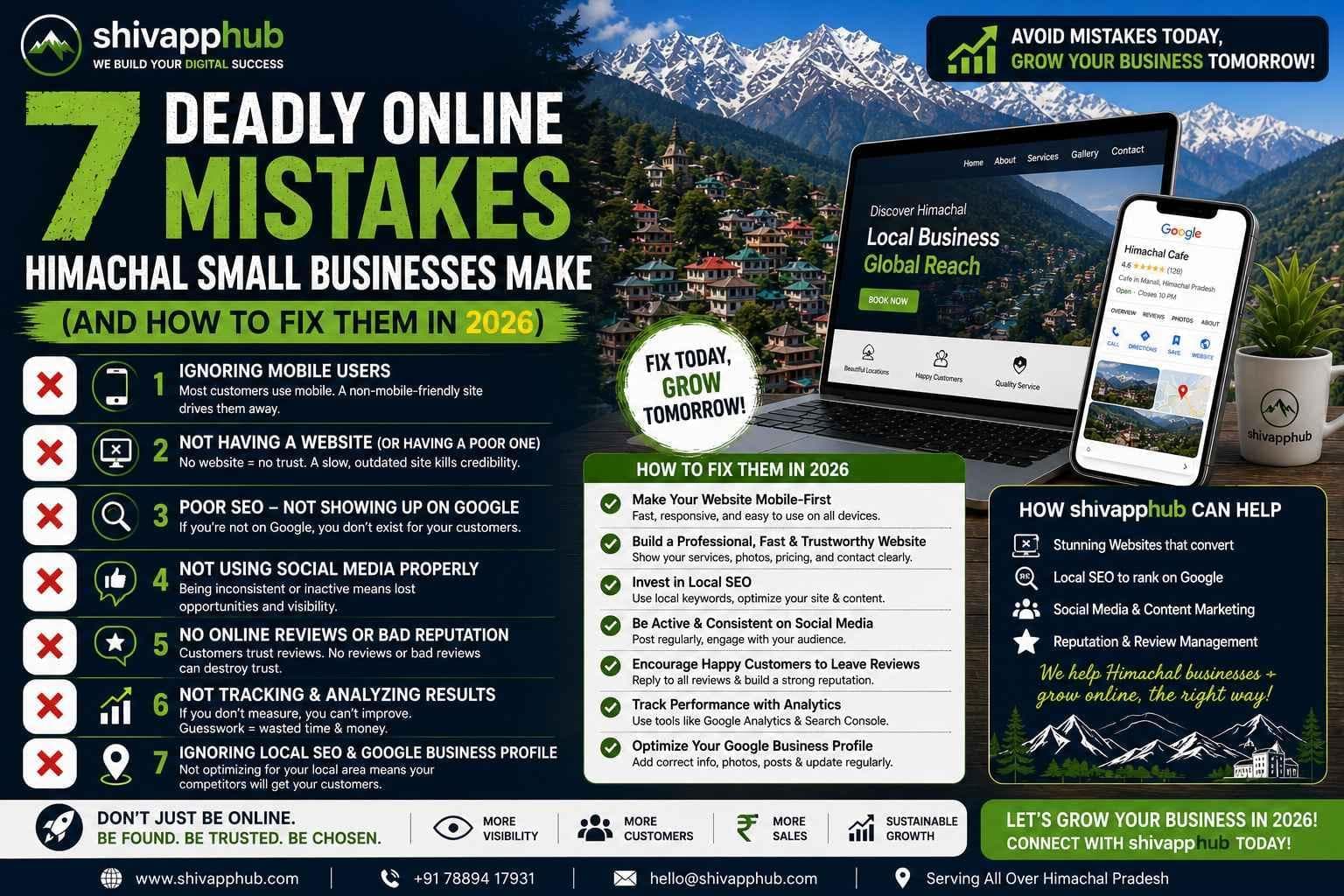
📈 Key Metrics Every Himachal Business Owner Should Watch Weekly
Don’t drown in data. Focus on these five numbers:
🏔️ Himachal‑Specific Insights You Can Unlock with Analytics
Because Himachal tourism is seasonal and diverse, Analytics reveals patterns you can leverage:
💡 Real Example: How a Manali Hotel Fixed a 47% Booking Drop‑Off and Recovered ₹1.5 Lakh/Month
A 20‑room hotel in Manali had an online booking engine integrated with their site. Bookings were steady, but they felt potential was being left on the table. We set up GA4 with enhanced e‑commerce tracking and mapped out their booking funnel: Room Selection → Add to Cart → Checkout → Thank You Page.
The funnel report revealed a shocking stat: 47% of users who started the checkout process abandoned it. The drop‑off was highest on the payment details page. Digging deeper, we saw that mobile users had a 58% abandonment rate vs. 22% on desktop. The culprit: the payment gateway didn’t support UPI, and the form was difficult to fill on a small screen.
The hotel added a UPI option and simplified the mobile checkout. Within 2 weeks, the checkout completion rate rose to 78%. The hotel estimated recovering nearly ₹1.5 lakh in monthly revenue that had been silently leaking away. None of this would have been visible without Analytics.
🚀 Let Us Turn Your Website Data into Growth – Free Analytics Setup & Audit
At ShivAppHub, we don’t just build websites – we make sure you understand exactly how they perform. We’ll set up GA4, configure meaningful goals for your business, and provide a simple monthly report in plain English.
👉 [Get a free Google Analytics setup and audit](/contact). We’ll install GA4 on your site (if it isn’t already), check that conversions are being tracked, and send you a one‑page summary of your first week’s data with actionable insights. No cost, no jargon, just clarity.
*Watch our vlog where we set up Google Analytics live for a Dharamshala café and show how they discovered their best‑selling dessert entirely through website data!*